
Your location does not determine the photo rules
A person in Japan applying for a Vietnamese passport follows Vietnamese passport requirements. Someone in Vietnam applying for a US visa follows the rules for that specific visa. Website language and service pricing country are separate from the issuing authority.
Identify first issue, renewal, visa or residence application, and whether you need a digital file or printed photos. Save the official instructions and check them before purchasing.
Different applications need different dimensions
Vietnam’s Ministry of Public Security guidance describes a 4×6 cm white-background portrait for the ordinary passport application. US printed passport photos are 2×2 inches; Japan specifies 35 mm wide and 45 mm high. These examples do not establish rules for every visa.
Also check how recent the photo must be, head and eye position, expression, glasses, visible facial features, format and file size. A visa may differ from a passport for the same country.
| Application | Example dimensions |
|---|---|
| Vietnam passport | 40×60 mm |
| US passport (print) | 2×2 in (51×51 mm) |
| Japan passport | 35×45 mm |
When AI edits are not appropriate
The US Department of State requires an original passport photo without filters or digital alterations. For applications with such restrictions, do not replace clothing, reconstruct hair, remove acne or change appearance using AI. Retake the photo with the correct real background and outfit.
Cropping and file preparation must stay within what the authority permits. A tool helps prepare a file; it does not decide acceptance. Better-looking does not necessarily mean compliant.
Take the photo correctly before uploading
Use a plain permitted background, even lighting and an eye-level camera. Ask another person to take the shot to avoid close-selfie distortion. Include the full head and shoulders so you can frame according to the official diagram.
Fix shadows, lens reflections and hair covering the face during the shoot. Removing an obstruction in software may reconstruct details that were never visible in the original.
Prepare the right application in Rakuphoto
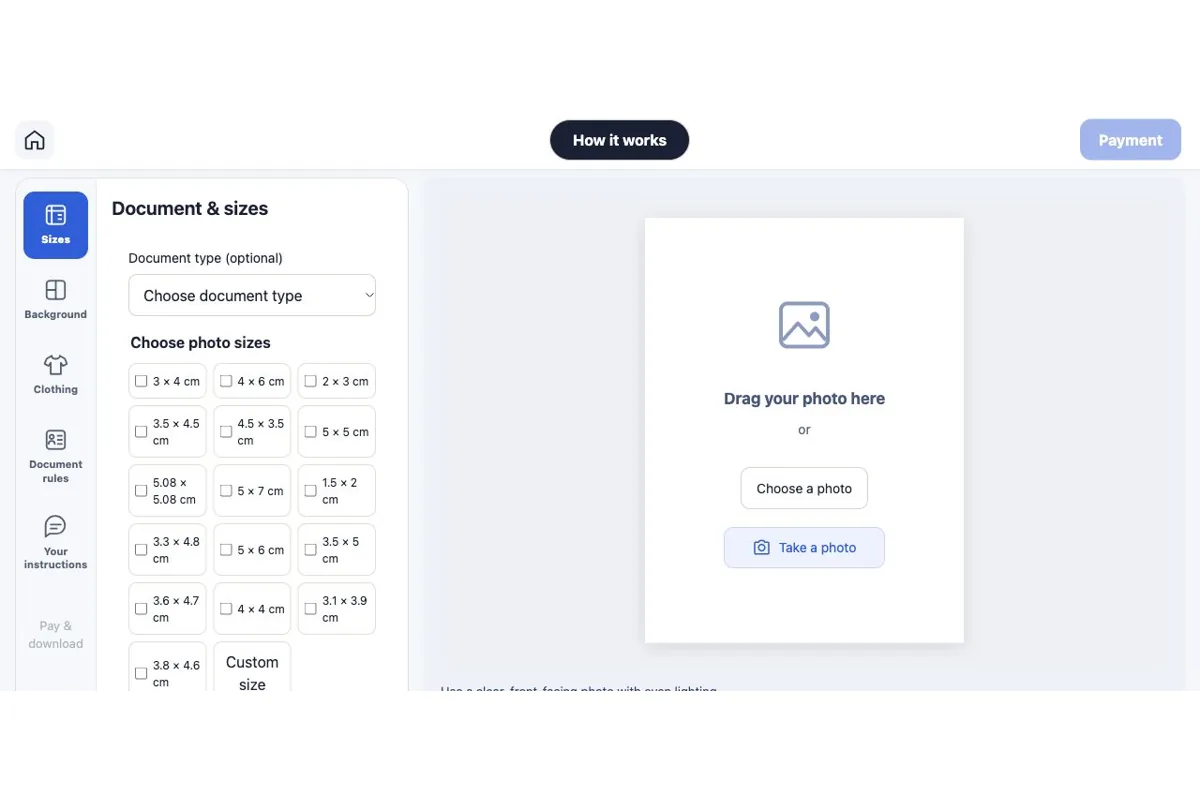
Select the relevant document and issuing country if available, read restrictions and choose the exact required size. Do not substitute a nearby size if the required option is unavailable.
Use the appropriate original-photo mode for applications requiring unedited images. Compare the result with the source and check framing, pixels, format and file size before submitting to the authority.
Official photo requirements
Cost and receiving your file
Digital photo file
USD 4.49Review the watermarked preview before buying. Your service price follows your detected country, not the language you choose. Check the current price before confirming the order.
Prints in Vietnam
30,000 VND per print sheet; delivery is charged separately. Check quantities, sizes and the delivery address before confirming.
Frequently asked questions
Does Rakuphoto guarantee acceptance?
No. The receiving authority decides. Read its current requirements and inspect the photo before submitting.
Can I add an AI suit for a US passport?
Do not use AI outfit replacement for an application requiring an original, unedited photo. Wear appropriate real clothing when taking it.
Can one photo serve multiple visas?
Only if it satisfies every requirement for each visa, including recency, dimensions, background and digital file rules.
Useful guides
Read photography, sizing and editing guides
Choose your photo