Rakuphoto
CREATE YOUR ID PHOTO AT HOME

ID photos online: upload, preview and download

Start with a sharp phone portrait. Choose the size and white or blue background required by the recipient. Change clothing only where permitted. Compare facial features with the original and review the free preview before paying.

Drag and drop your portrait hereor
Take photo

✓ No account needed · ✓ Free preview · ✓ Multiple sizes included

Choose document type
Preview before payingOne photo, multiple sizesChoose your edits
✓ Preview before paymentStock photos from Pexels, processed directly with Rakuphoto.
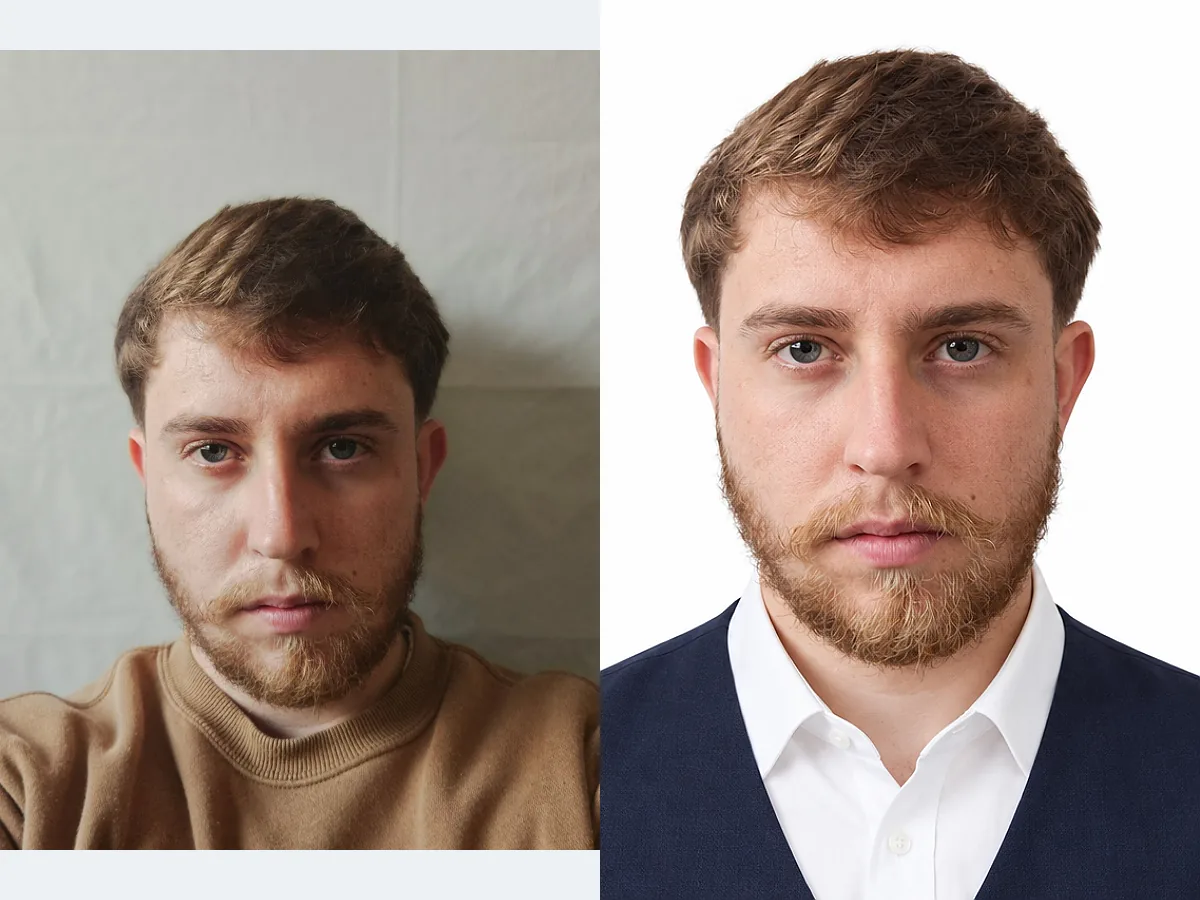
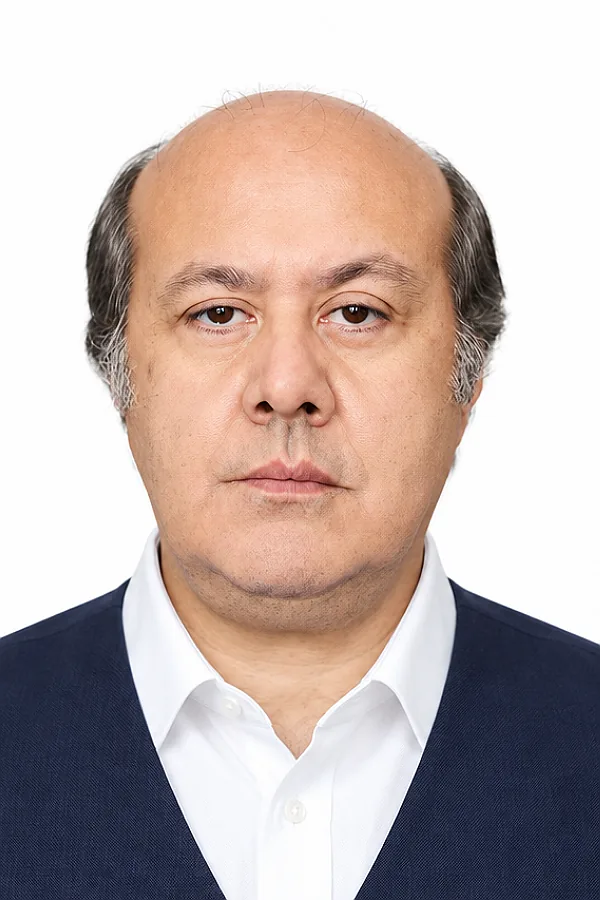
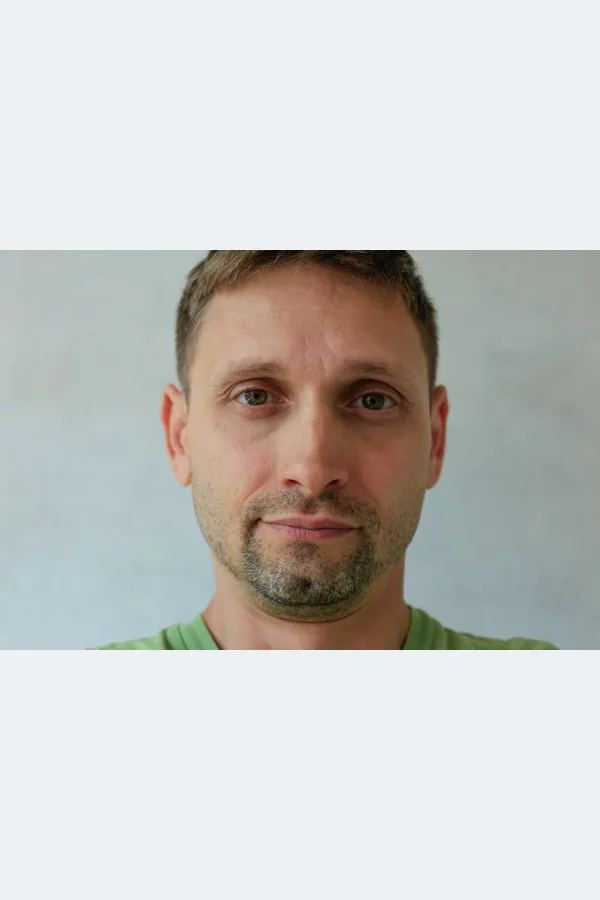
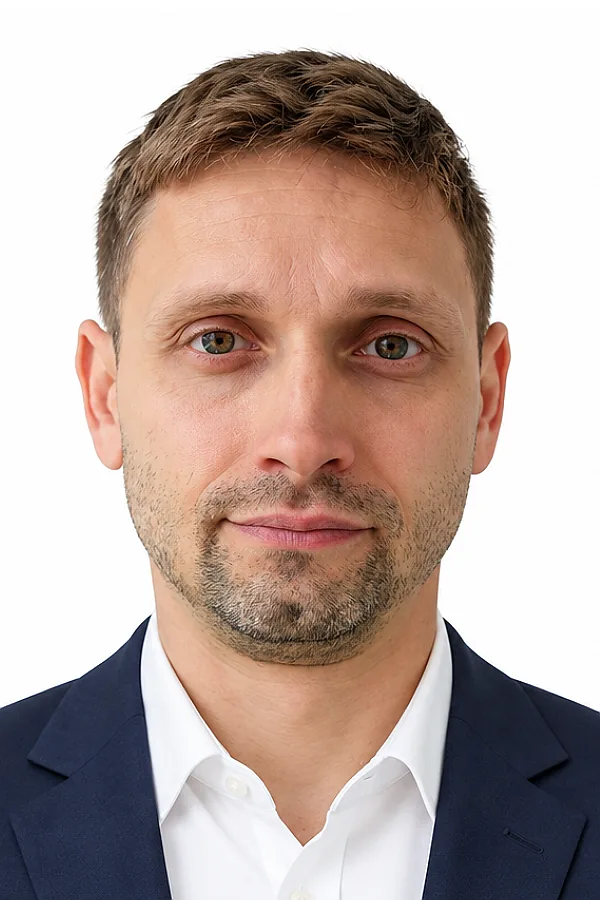
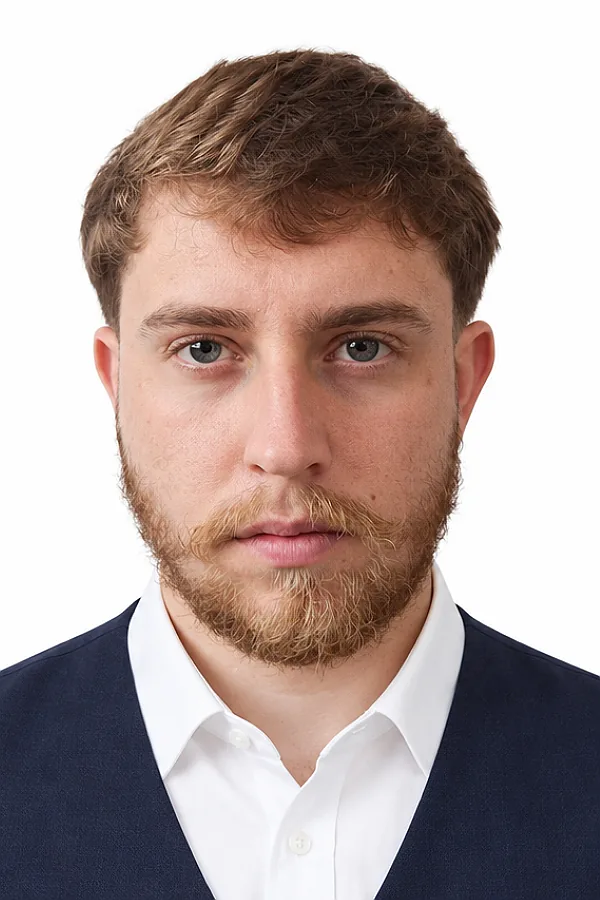
BeforeAfter
A polished ID photo that keeps your natural featuresStock photos from Pexels, processed directly with Rakuphoto.

Pay when you are happy

Preview your finished photo and compare it with the original. Pay USD 4.49 to download only when the result is right for you.

Get all your sizes in one download

Get 2×3, 3×4, 4×6 and 5×5 cm photos from one order. A 10×15 cm print sheet is also available, with no extra charge per size.

Use your phone or computer

Take a photo or choose one from your device. JPG, PNG and iPhone HEIC are supported, without installing another app.

EASY FROM THE FIRST STEP

From a phone photo to an ID photo in 4 steps

01

Upload a clear portrait

Face the camera with your full head and both shoulders visible. The background will be replaced, so it does not need to be perfect.

02

Choose the photo you need

Choose your size, such as 3×4, 4×6, passport or visa. Optionally change the background or choose a shirt or suit.

03

Check the result

Zoom in to check your eyes, hair and facial details, and compare with the original before deciding.

04

Download your finished file

Download a high-resolution file for your online application.

Start with your photo
CHOOSE YOUR PURPOSE

What document is your photo for?

Choose a purpose below to set the suggested photo size and background. Check the requirements of the receiving authority.

Tip: For passports or visas with strict rules, keep your real clothing and avoid edits that change your appearance. Always check the receiving authority’s requirements.

EASY TO CREATE AND CHECK

Create a polished ID photo without Photoshop

The system adjusts the framing and tilt. Choose your edits, keep what already works and create the photo in one step.

Change the background, clothing or hair; remove glasses or reveal ears when suitable for your document. For a custom edit, describe what you want in the editor.

Auto framingChange backgroundSuit / ShirtChoose hairstyleRemove glasses / Reveal earsCustom instructions
SAMPLE COLLECTION

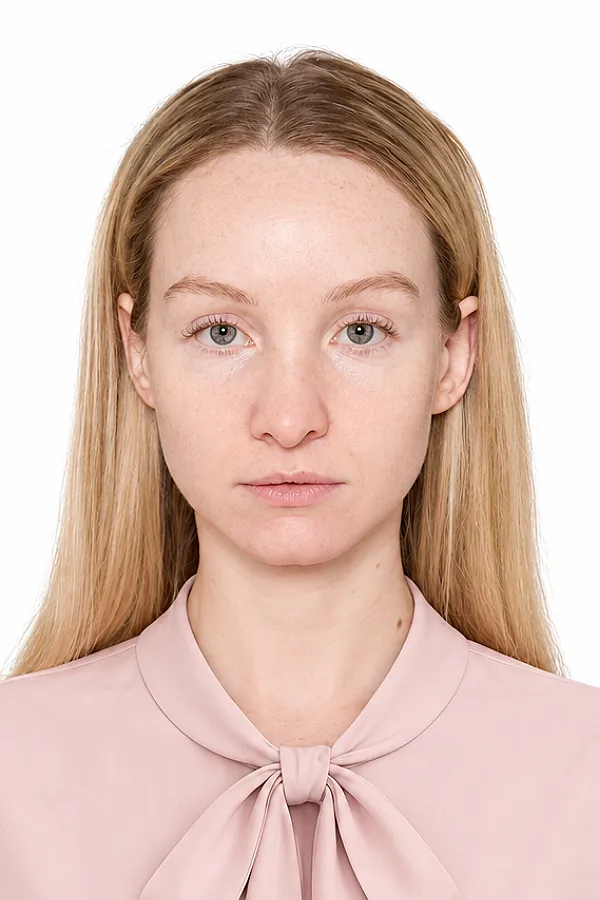
Before and after with Rakuphoto

Stock photos from Pexels, processed directly with Rakuphoto.
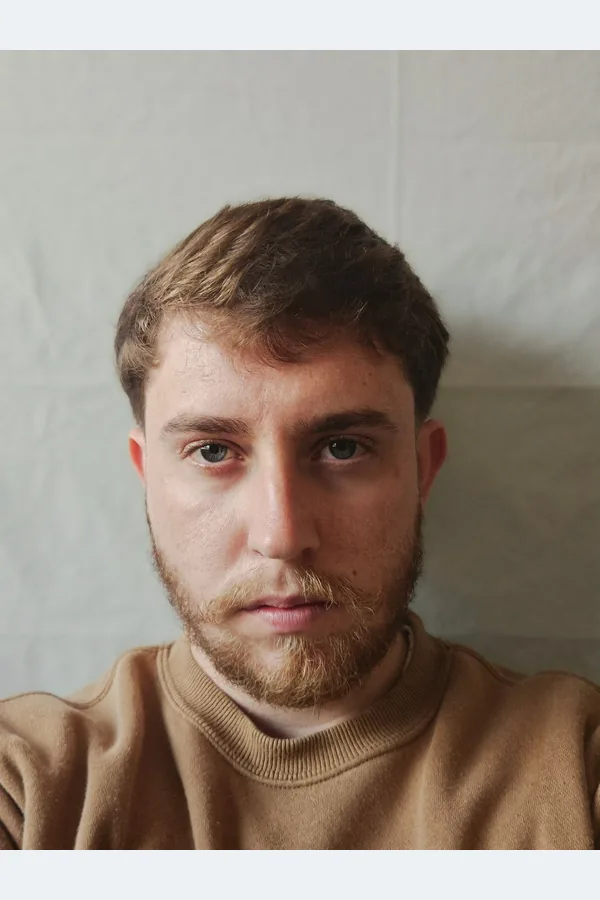
Explore before and after → Create your photo · Free preview
ALL THE SIZES YOU NEED

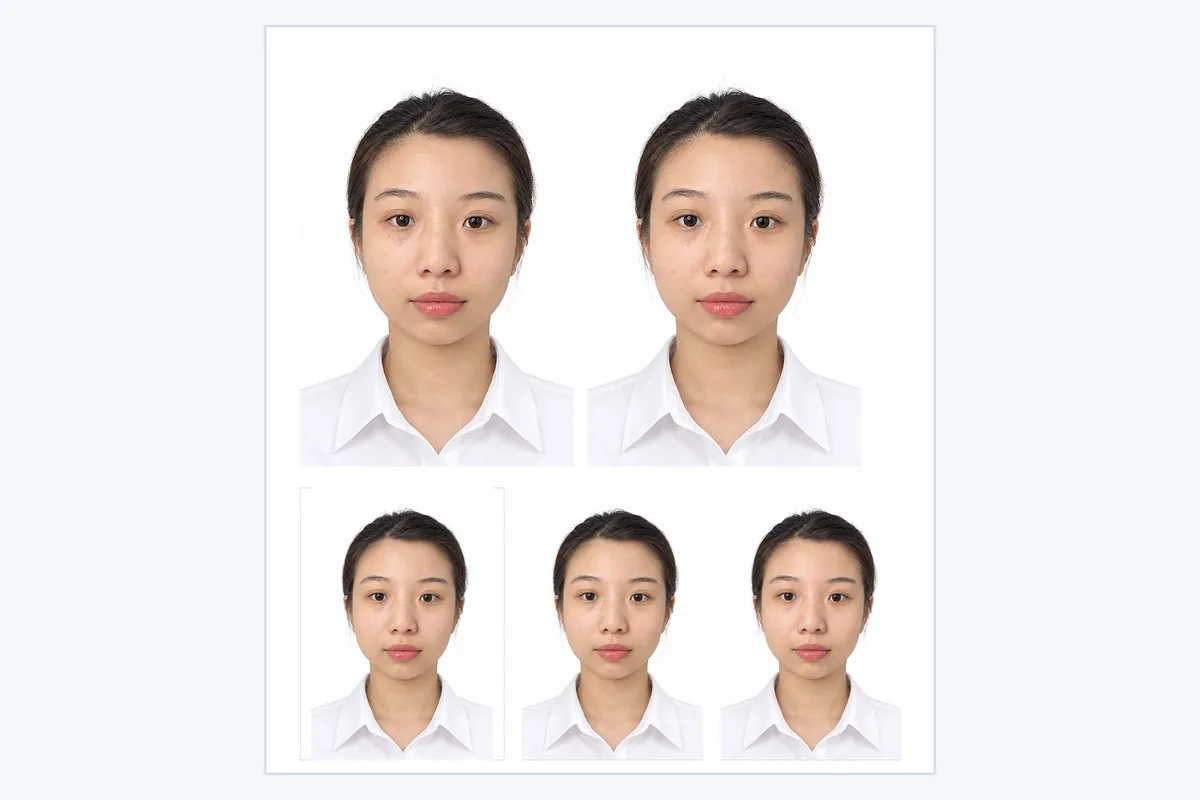
One photo, multiple sizes

Choose the sizes you need and download them with the same photo order.

Stock photos from Pexels, processed directly with Rakuphoto.
2 × 3 cm
Stock photos from Pexels, processed directly with Rakuphoto.
3 × 4 cm
Stock photos from Pexels, processed directly with Rakuphoto.
4 × 6 cm
Stock photos from Pexels, processed directly with Rakuphoto.
5 × 5 cm
START WITH A CLEAR PHOTO

Start with a photo from your phone

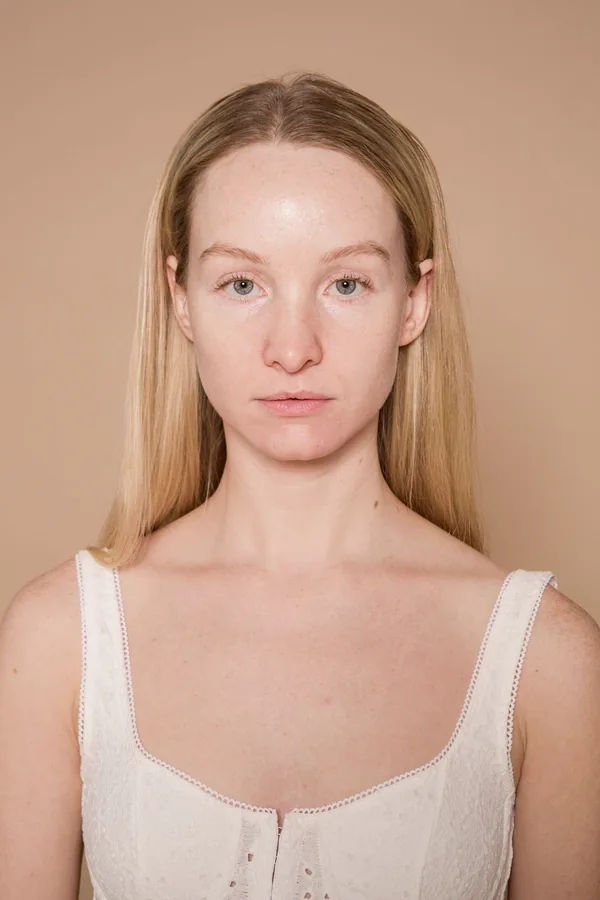
Face the camera with your full head and shoulders visible and even lighting. A clear original makes the result easier to check.
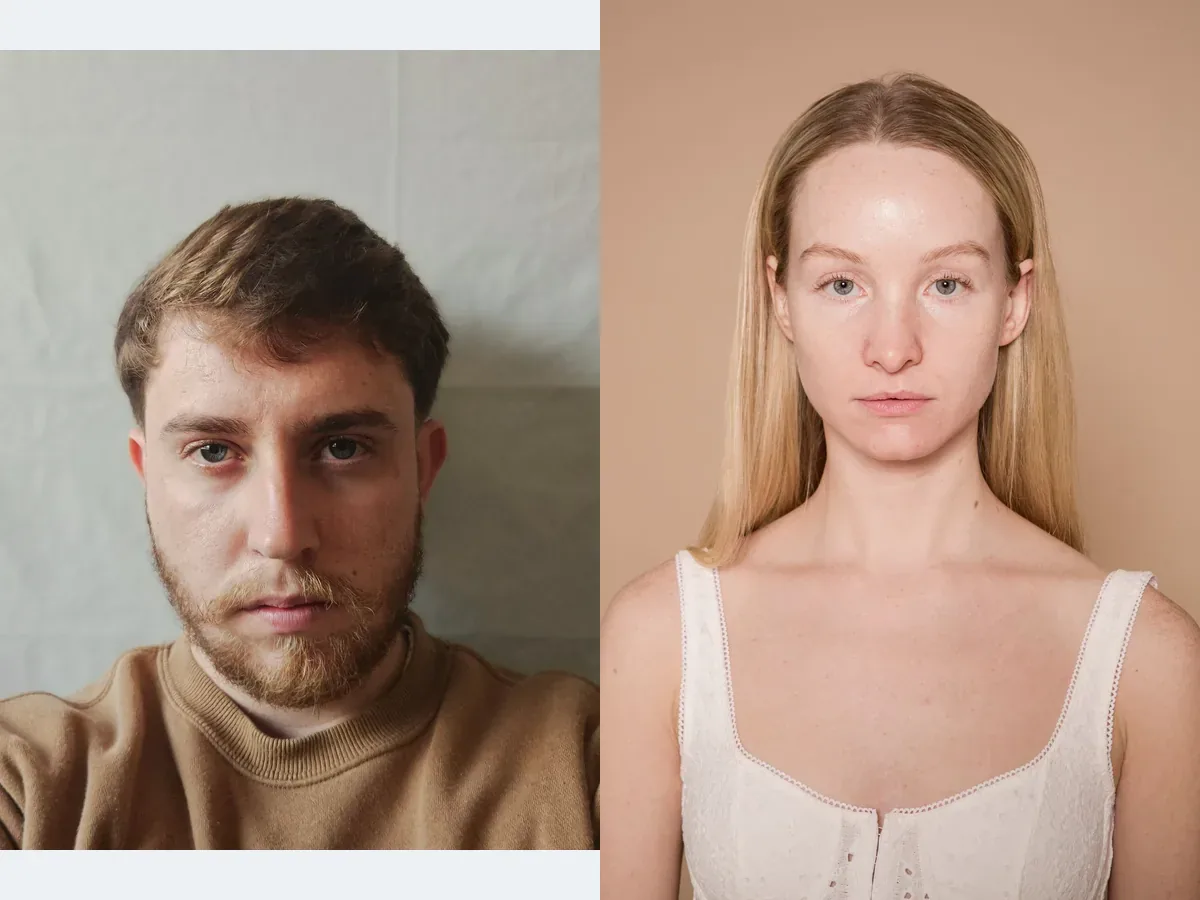
Stock photos from Pexels, processed directly with Rakuphoto.
Good choice

Clear face, full framing, even light

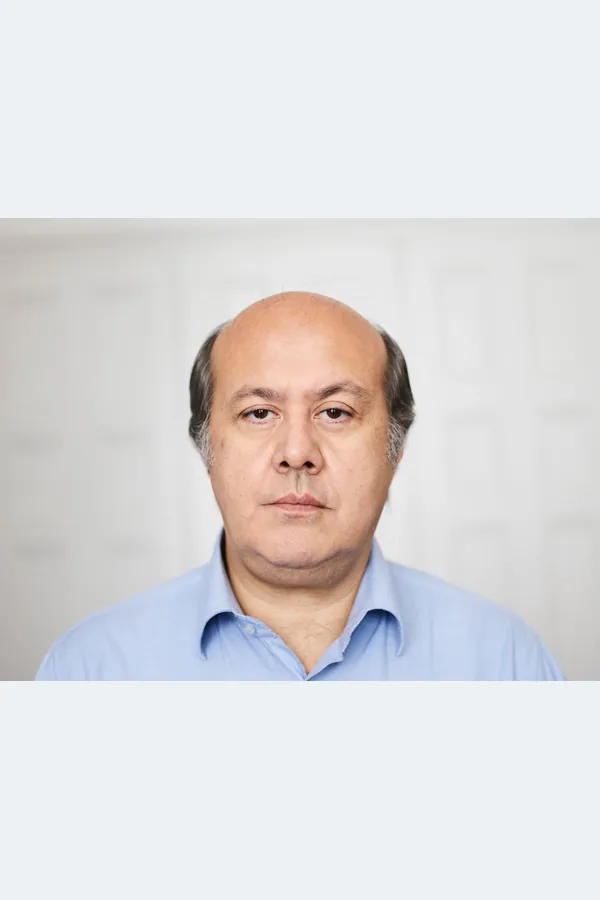
Photo taken at home

Face the camera with your face clearly visible

Illustrative examples for choosing your upload.
See how to take a photo at home
CLEAR PRICING

Clear pricing — Pay when you are happy

Preview the result. Pay when you decide to download.
Digital photo file (USD 4.49 total)

USD 4.49
  • Get the finished file for online applications or printing. Print sheets export at 300 DPI; sharpness depends on the original and file size.
  • 2×3, 3×4, 4×6 and 5×5 cm included in the same order, with no extra charge per size.
  • Download a 10×15 cm sheet to print at the correct size.

Create and preview

Print delivery in Vietnam

+30.000đ

Printed on premium glossy photo paper and cut into individual photos. Carefully packed to prevent bending, with delivery throughout Vietnam.

PREVIEW BEFORE BUYING

Your natural features, your privacy

ID photos must represent you faithfully. Compare your result with the original before using it. Your order photos are stored privately for processing and review, and are not added to the public gallery.

PRACTICAL GUIDES

Choose the right photo, size and download

Browse all ID photo guides
FOR YOUR NEEDS

One tool for different applications

Passport application

Choose the size and background required by your passport authority. Check facial framing and file requirements before submitting.

Job application

Create a polished portrait with a shirt or suit. Choose the employer’s required size and preview the result.

Driving license application

Choose the size and background requested by the receiving authority. Download the file or order prints in Vietnam if needed.

Photo requirements vary by document and receiving authority. Check the rules before using your photo.

Before you create your photo

Do I need an app or an account?

No. Open Rakuphoto in your browser, upload a photo and choose your settings. No account is needed.

What if I do not know how to edit photos?

Choose your document and size, then review the suggested edits. Keep or change the options before creating the photo. Framing is adjusted during processing.

Can I use a phone photo?

Yes. Use a clear, front-facing photo with the full head and shoulders, even light and no beauty filter. Retake a blurry or cropped photo first.

What if the result does not look right?

You can review the result without paying. Pay USD 4.49 to download only when you are happy with the photo.

Will the result keep my facial features?

Compare your result with the original before paying. If a detail does not look like you, review it before using the photo for an application.

Is there an extra charge for different sizes?

There is no extra charge per size in the same photo order. Choose your sizes, check each crop and download individually or together.

Can I order prints for home delivery?

Print delivery is available in Vietnam. Enter the recipient’s name, phone and full address. Printing and shipping fees are shown before confirming.

Can I use the photo for a passport or public application?

Choose the size, background and file settings required by your receiving authority. Check the original-photo and editing rules before submitting; requirements vary by country and document.

Create your ID photo now

No app · No account · Preview before paying

Choose a photo