
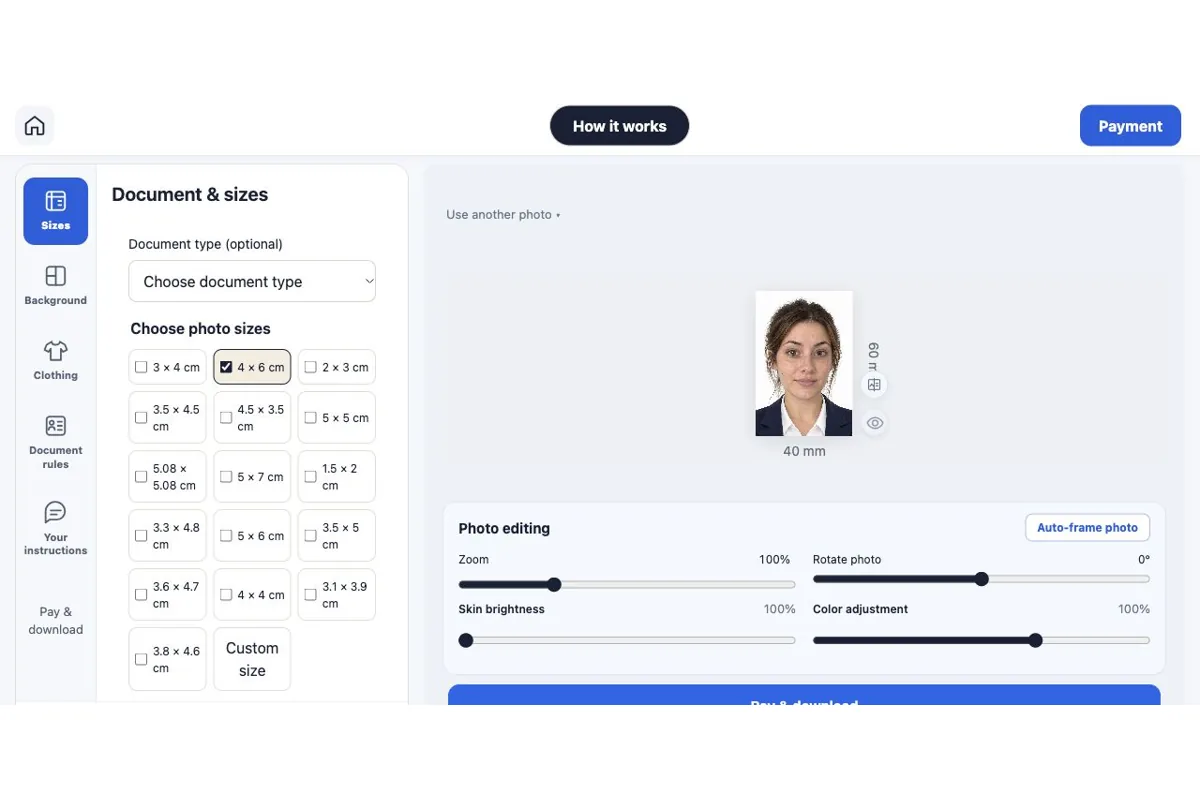
ID photos online without signing up: upload, preview and download
Create an ID photo without an account. Upload your portrait, choose sizes, check the free preview and download after payment on Rakuphoto.
Read guide →5 guides
Create an ID photo without an account. Upload your portrait, choose sizes, check the free preview and download after payment on Rakuphoto.
Read guide →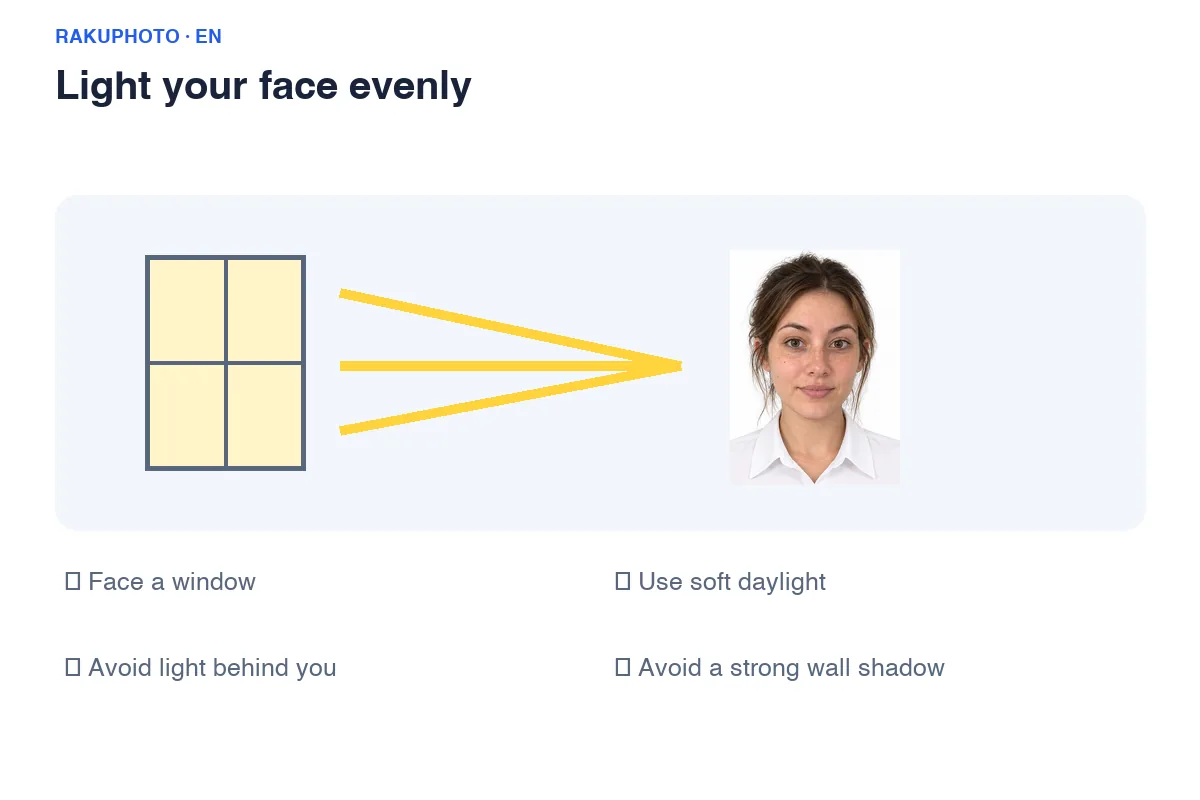
Take an ID photo at home with your phone: even lighting, camera distance, posture and checks before uploading to Rakuphoto.
Read guide →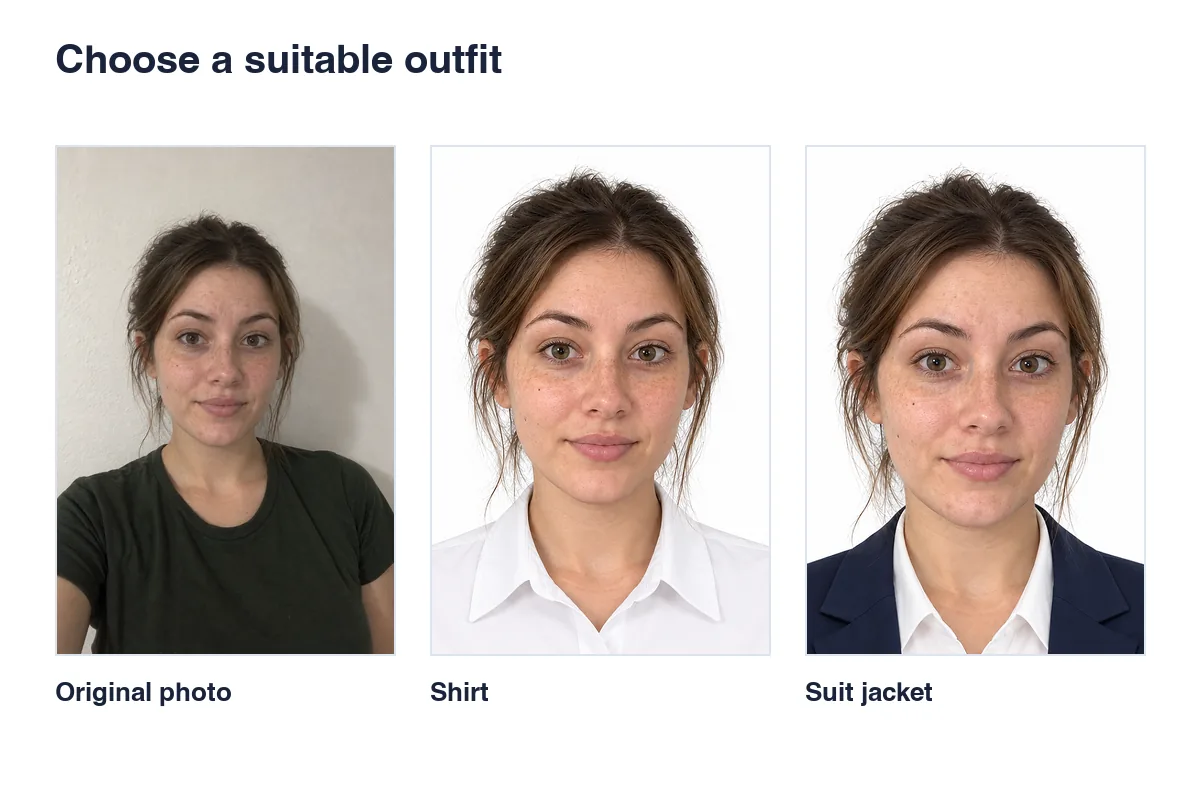
Change ID photo backgrounds and outfits on Rakuphoto. Choose suitable edits, preserve facial features and check the preview before buying.
Read guide →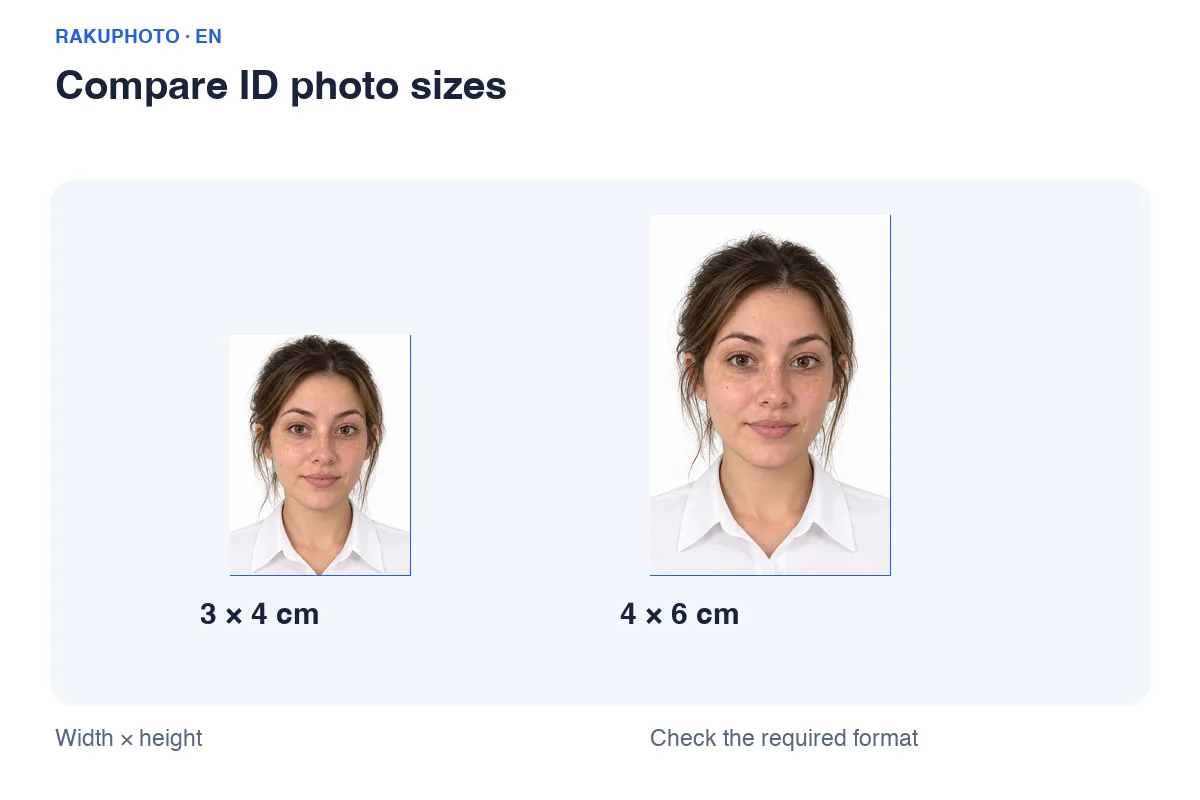
Compare 3×4 and 4×6 cm ID photos, calculate pixels at 300 PPI and print at actual size. Avoid stretched faces and incorrect print scaling.
Read guide →No matching guide found. Try a shorter keyword or select “All”.